
13ZO Game Apk Download Top Money Earning Platform
Now
9.9MB
1.9.9
Android 5+
30K+

Description
Finding a reliable mobile gaming platform that balances quick entertainment with straightforward navigation can take plenty of trial and error. If you have spent time browsing online gaming communities or mobile app forums lately, you have probably seen the name 13ZO Game popping up in discussions. Because independent gaming platforms often circulate across social channels before reaching mainstream app stores, finding clear, honest details about how they actually work is not always easy.
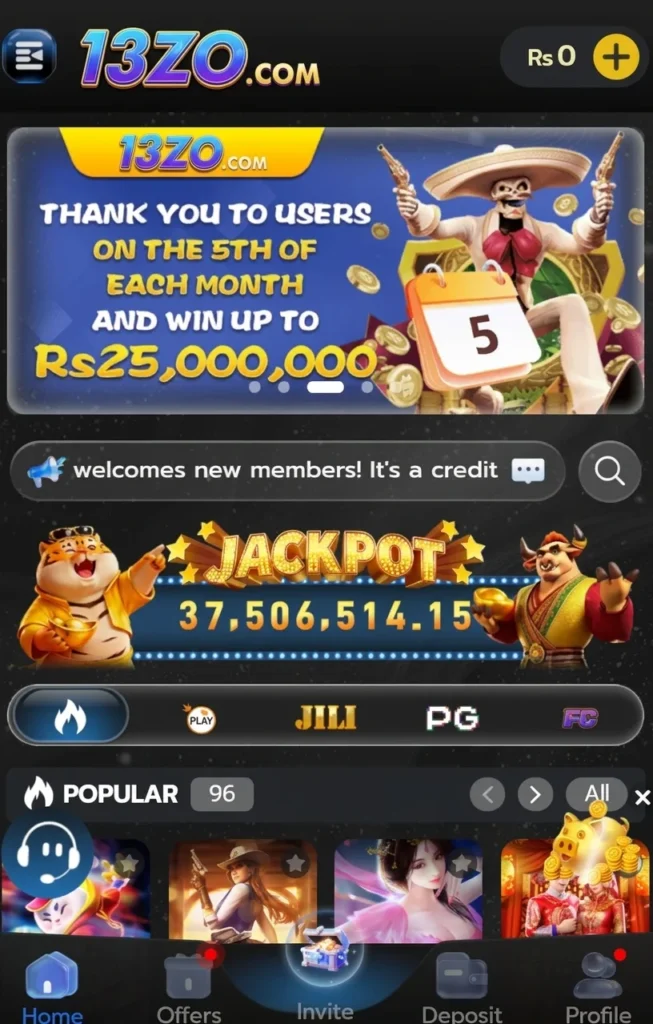
In this guide, we take a closer look at 13ZO Game from a practical player’s perspective. You will learn what the platform actually offers, how its core features function, and how to download and install the application safely on your device. We also walk through basic account setup, useful gameplay habits, important safety precautions, and a balanced breakdown of its pros and cons so you can decide whether it fits your routine.
What Is 13ZO Game?
13ZO Game is a digital mobile gaming platform built primarily for Android users who prefer fast, accessible interactive sessions over heavy, story-driven console titles. Rather than locking players into a single, rigid storyline that requires hours of continuous play, platforms in this category focus on quick-entry mechanics, varied mini-games or challenge modes, and session-based progression.
The platform is designed for casual and everyday mobile gamers looking for short bursts of engagement during breaks or downtime. While exact game libraries and regional availability can vary depending on the active version you access, the overarching goal of 13ZO Game is to provide a lightweight, responsive environment where users can jump into different play modes without complicated setup routines. It is important to verify the specific version and regional terms before diving in, as third-party gaming platforms frequently update their offerings and interface layouts. The related earning platform in pakistan is P67 Game.
Key Features of 13ZO Game
Lightweight Application Architecture
One of the practical highlights of 13ZO Game is its compact file footprint compared to graphics-heavy 3D mobile titles. Because the interface relies on streamlined assets and efficient caching, it runs smoothly on mid-range and older Android smartphones without draining battery life excessively or occupying gigabytes of storage space.
Clean and Intuitive User Interface
Navigating a new gaming app should never feel like solving a puzzle before you even start playing. The main dashboard organizes active modes, account settings, and profile tools into clearly labeled sections, making it easy for newcomers to find their preferred activities within seconds of launching the app.
Varied Session-Based Gameplay Modes
Instead of forcing players to repeat a single repetitive loop, the platform typically groups multiple quick-play formats under one roof. Whether you enjoy timing-based challenges, pattern recognition, or competitive score-chasing, having distinct modes keeps daily sessions from feeling stale.
Responsive Touch Controls
Fast-paced mobile games live or die by how accurately they register screen taps and swipes. 13ZO Game emphasizes low-latency input response, ensuring that your on-screen actions translate smoothly during critical moments without frustrating lag or accidental menu triggers.
Customizable Profile and Account Tracking
Players can maintain a dedicated user profile that tracks session history, basic preferences, and in-app progress. Having a centralized dashboard allows you to pick up right where you left off across different play sessions while keeping your personal display settings intact.
How to Download and Install 13ZO Game?
Because platforms like 13ZO Game are frequently distributed directly through official web portals rather than standard app marketplaces, installing the app requires a few extra manual steps on Android devices. Follow this straightforward process to set it up properly.
Checking Android Compatibility and Storage
Before downloading any installation file, take a quick look at your smartphone’s basic specifications. Most modern versions require Android 7.0 or higher, at least 2 GB of RAM for smooth background performance, and a minimum of 200 MB of free internal storage to accommodate the installer and temporary cache files. A stable Wi-Fi or mobile data connection will also prevent incomplete or corrupted downloads.
Downloading the Official APK File
- Open your preferred mobile web browser and navigate directly to the official 13ZO Game website or verified distribution portal.
- Locate the primary download button, which is usually clearly marked for Android devices on the homepage.
- Tap the download prompt and confirm if your browser displays a standard warning about downloading executable files.
- Wait for the APK file to finish downloading completely before attempting to open it.
Adjusting Security Permissions and Completing Installation
- Open your phone’s Settings menu and navigate to Security or Apps & Notifications (the exact label varies by phone manufacturer).
- Select Install Unknown Apps and grant temporary permission to the browser or file manager you used to download the file.
- Open your device’s Downloads folder, tap the 13ZO Game APK file, and select Install when prompted.
- Once the installation finishes, tap Open to launch the platform, and consider toggling off the unknown sources permission afterward for added device security.
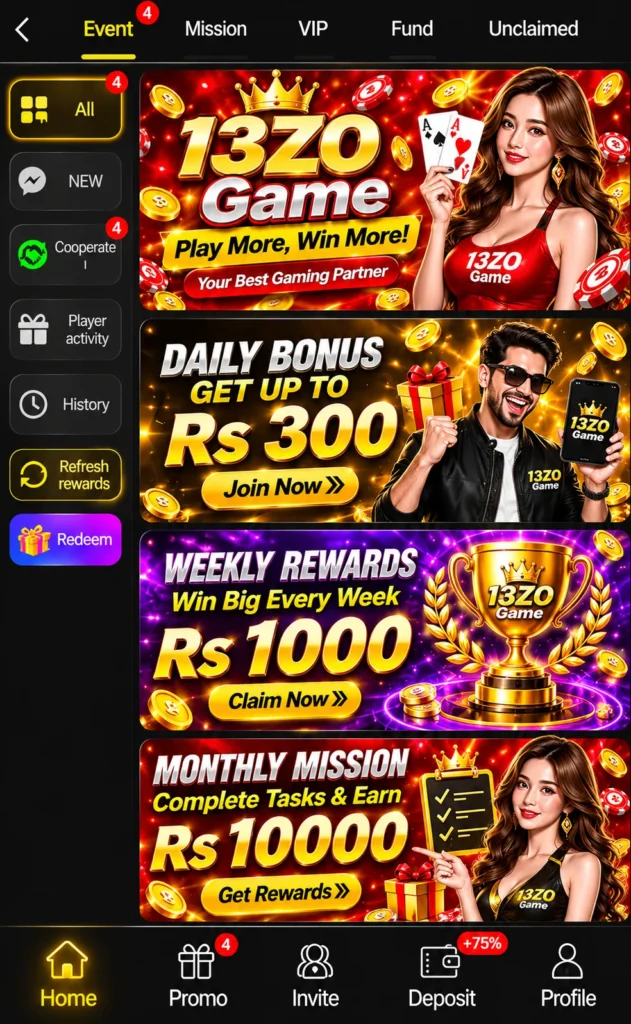
How to Create an Account and Get Started?
Getting your profile ready takes only a couple of minutes once the application is installed on your device. When you launch 13ZO Game for the first time, you will typically see a welcome screen offering guest access alongside standard account registration options.
- If you plan to use the platform regularly, creating a registered account is usually the smarter choice so your settings and progress are saved properly.
- Tap the registration or sign-up button, choose a unique username, and enter the required contact details—such as a mobile number or email address, depending on what the current version requests.
- Set a strong, original password that you do not use on other websites. Before finalizing your profile, take a moment to review the platform’s terms of service and privacy policy so you understand how your account data is handled.
- Once logged in, visit the settings gear icon to adjust sound effects, notifications, and display preferences to suit your comfort.
Pros and Cons of 13ZO Game
Pros
- Lightweight Performance: Runs smoothly on most standard Android devices without requiring high-end hardware.
- Quick Accessibility: Simple menus and fast loading times make it easy to jump into short play sessions.
- Multiple Play Formats: Offers variety within a single application rather than locking users into one repetitive mechanic.
- Straightforward Setup: Clean registration flow and intuitive dashboard layout for beginners.
Cons
- Manual Installation Required: Typically distributed via APK download rather than standard app stores, requiring extra security steps.
- Internet Dependency: Most features and account synchronization require an active online connection to function properly.
- Regional Feature Differences: Available game modes, support options, and payment or reward terms can vary widely depending on location and platform updates.
Conclusion
13ZO Game offers a straightforward, lightweight mobile gaming experience tailored for players who appreciate quick sessions and accessible controls. By understanding how the platform is structured, following safe APK installation practices, and keeping your account details protected, you can explore its features with far fewer headaches. Always verify official sources before downloading, check regional rules and app permissions carefully, and keep your gameplay balanced and enjoyable.
Frequently Asked Questions
Is 13ZO Game free to download and install?
Yes, downloading and installing the base application from its official portal is typically free. However, specific features, optional add-ons, or in-app activities may carry separate terms depending on the version you use.
Can I play 13ZO Game on an iPhone or iPad?
The platform is primarily built around Android APK distribution. Unless the developers explicitly announce an official iOS web app or App Store release on their verified site, it is intended mainly for Android smartphones and tablets.
Why does my phone show a warning when installing the APK?
Android automatically displays a security prompt whenever you install an application from outside the Google Play Store. As long as you downloaded the file directly from the official 13ZO Game website, this warning is simply a standard operating system precaution.
Do I need to create an account to use the app?
While some versions allow limited guest browsing, creating a registered account is usually necessary to save your progress, access full features, and sync your profile across sessions.